
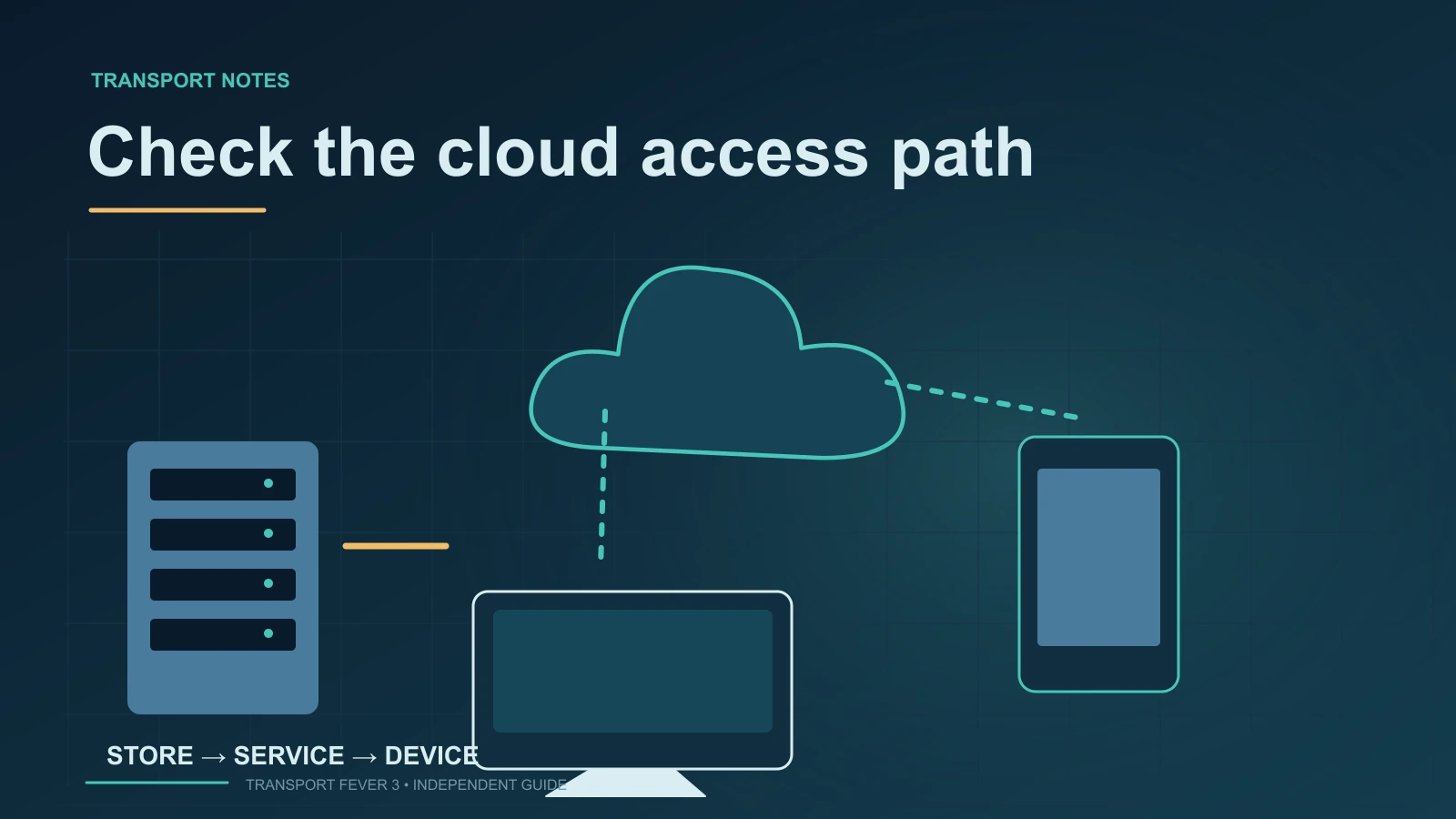
GeForce NOW support for Transport Fever 3 has not been verified. No confirmed entry establishes which store, if any, can launch this exact game through the service. Check the game and store combination before paying for a cloud membership or additional storage. Owning the PC game or connecting its account does not establish cloud eligibility.
The unresolved result is specific: there is no verified Transport Fever 3 catalogue entry here. It does not establish that the title is unsupported. A catalogue that fails to load cannot provide a reliable negative answer either.
Establish the exact game and store
Use the catalogue or game search in the GeForce NOW app. The result needs to identify Transport Fever 3, including the numbered title. A listing for another Transport Fever game does not answer this check.
For an exact result, inspect its store options. The usable combination must match the PC store through which you own the game. General support for a store does not establish that the store is available for every title.
Follow these checks in order:
- Find the exact Transport Fever 3 entry.
- Read the store options attached to that entry.
- Confirm that one option matches the account containing your copy.
- Read the entry's access label and applicable membership conditions.
Stop at the first unresolved step. Account linking can help the service check ownership, but it cannot replace a missing game listing or an unavailable store option. A successful library sync for other games answers only those games' discovery check.
Read the access label only after eligibility is established
GeForce NOW describes two access types:
| Label | Service meaning | Relevant check |
|---|---|---|
| Ready-to-Play | The service prepares the game for streaming | Confirm the entry and matching ownership account |
| Install-to-Play | Eligible Steam games are installed into cloud storage before a session | Confirm the tag and its membership/storage conditions |
Transport Fever 3 has not been verified under either label. Do not choose a branch by assuming that every owned Steam game has opted into the service. Likewise, buying storage cannot establish eligibility for a title without a confirmed entry.
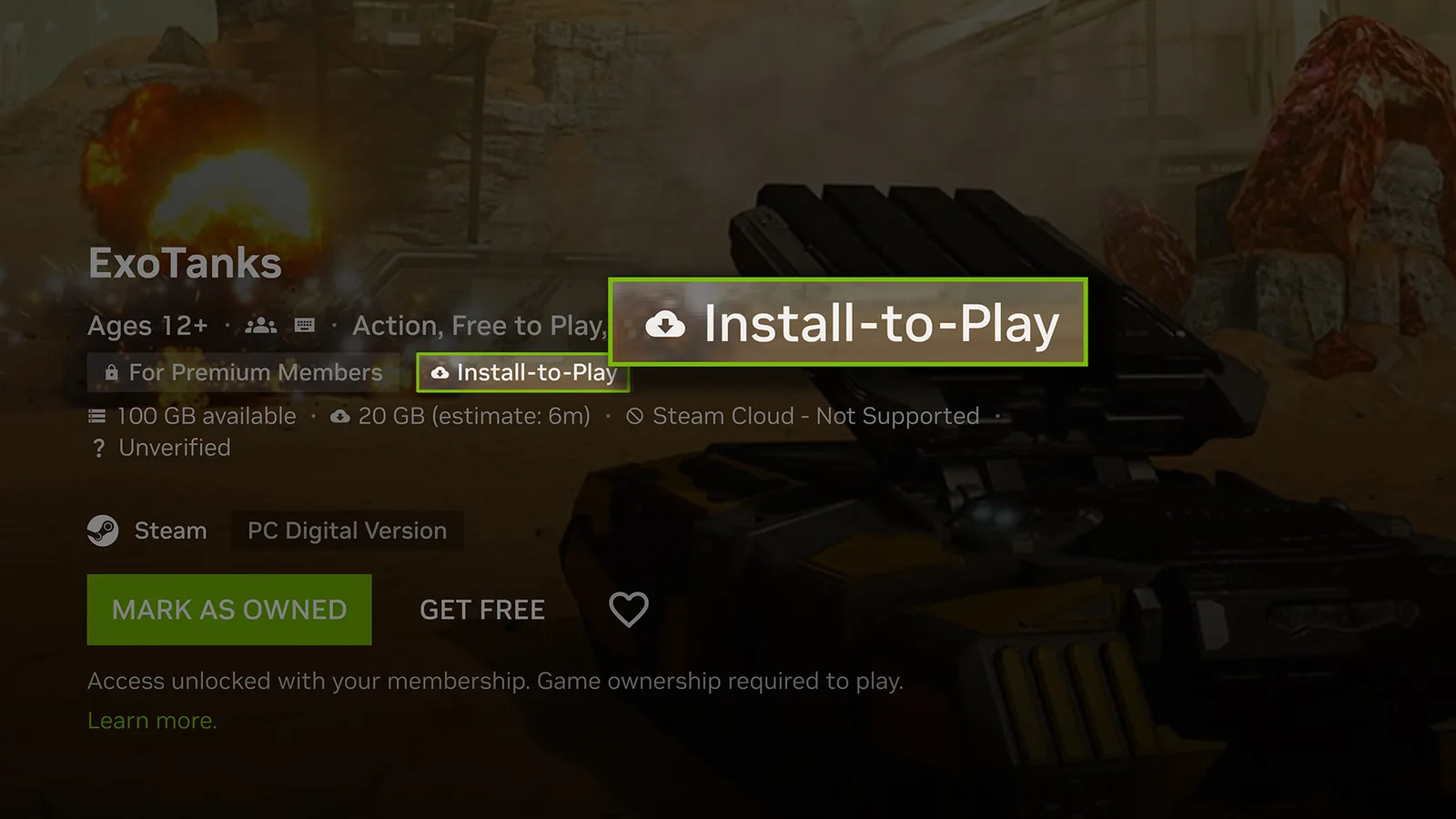
Service interface example for a different game. Its store, capacity and cloud-save details do not establish Transport Fever 3 support.
The image helps identify the kind of access label to inspect. It is not a Transport Fever 3 listing or a successful TF3 cloud session. Use the actual game's entry for any decision about its service path.
Handle an incomplete catalogue result
If the catalogue is empty while its content is still loading, leave the result unresolved. Repeat the exact-title search when entries can be displayed. Do not turn a loading problem into a claim that the service excludes the game.
If the title appears but your store option does not, the title match is only a partial result. Do not connect an unrelated store account as a workaround. If the entry is present with the correct store, continue with the conditions it actually displays rather than copying an installation method from another game.
Keep progress and mods as separate checks
Finding a launchable entry would establish a route into the game, but not every feature needed for an ongoing playthrough. Save retention, cross-device progress and mod persistence for Transport Fever 3 on GeForce NOW remain unverified.
General cloud-storage descriptions do not prove how this title's saves or Mod Hub content behave. If continuing an existing network is essential, establish its applicable save mechanism before relying on a cloud session. A successful launch alone would not answer that question, nor would it establish an expected frame rate or a complete controller experience.
Choose an established local route while the cloud check is open
The Mac and Steam Deck pages answer different local-platform questions. Mac requirements describe the native application and its named Apple Silicon configurations. Steam Deck observations show active gameplay on a physical handheld, with limited performance and input evidence. Neither establishes GeForce NOW availability.
If you want to assess native play on your own Mac, use the Mac compatibility checks. If you are considering local handheld play, read the Steam Deck observations and their measurement limits before choosing a setup.